Is your heat pump system working as efficiently as it should? One of the simplest ways to ensure optimal comfort and energy savings in your home is by choosing the right thermostat for your heat pump system. Yet, with so many options available, it can be overwhelming to make the right decision.
In 2026, advancements in thermostat technology allow homeowners to control their heating and cooling with greater precision. Choosing the best thermostat can significantly impact both your home's comfort and your energy bills.
This guide will help you understand the key features to look for in a thermostat, the different types available, and provide expert recommendations for the best thermostats for heat pump systems in 2026. Let's look in and explore the best choices for your home.
At a glance
Choosing the right thermostat for your heat pump ensures consistent comfort and energy savings.
Dual-stage compatibility is critical for efficient operation in both heating and cooling modes.
Smart thermostats offer remote control, geofencing, and energy-saving schedules to optimize system performance.
Top picks for 2026 include the Ecobee Smart Thermostat for advanced sensors and the Google Nest Learning Thermostat for automated adjustments.
Proper thermostat setup and installation maximize efficiency and extend the lifespan of your heat pump system.
Why Choosing the Right Thermostat for Heat Pump Systems Matters?
Choosing the right thermostat ensures optimal performance, energy efficiency, and comfort for your heat pump system.
Here's why it's essential:
Efficient Heating & Cooling: Heat pumps require thermostats that can manage dual-stage heating and cooling. A thermostat designed for heat pumps ensures smooth transitions between modes, maintaining consistent comfort.
Energy Savings: A programmable or smart thermostat can reduce heating costs by up to 30% annually. Features like energy-saving schedules and remote control let you save on electricity when you're away.
Preventing Short Cycling: Short cycling wastes energy and causes wear. A thermostat with demand response technology ensures your system runs efficiently, protecting it from unnecessary stress and extending its lifespan.
Improved Air Quality: Certain thermostats offer humidity control, which helps manage indoor air quality, keeping moisture levels balanced, especially in homes with heat pump systems.
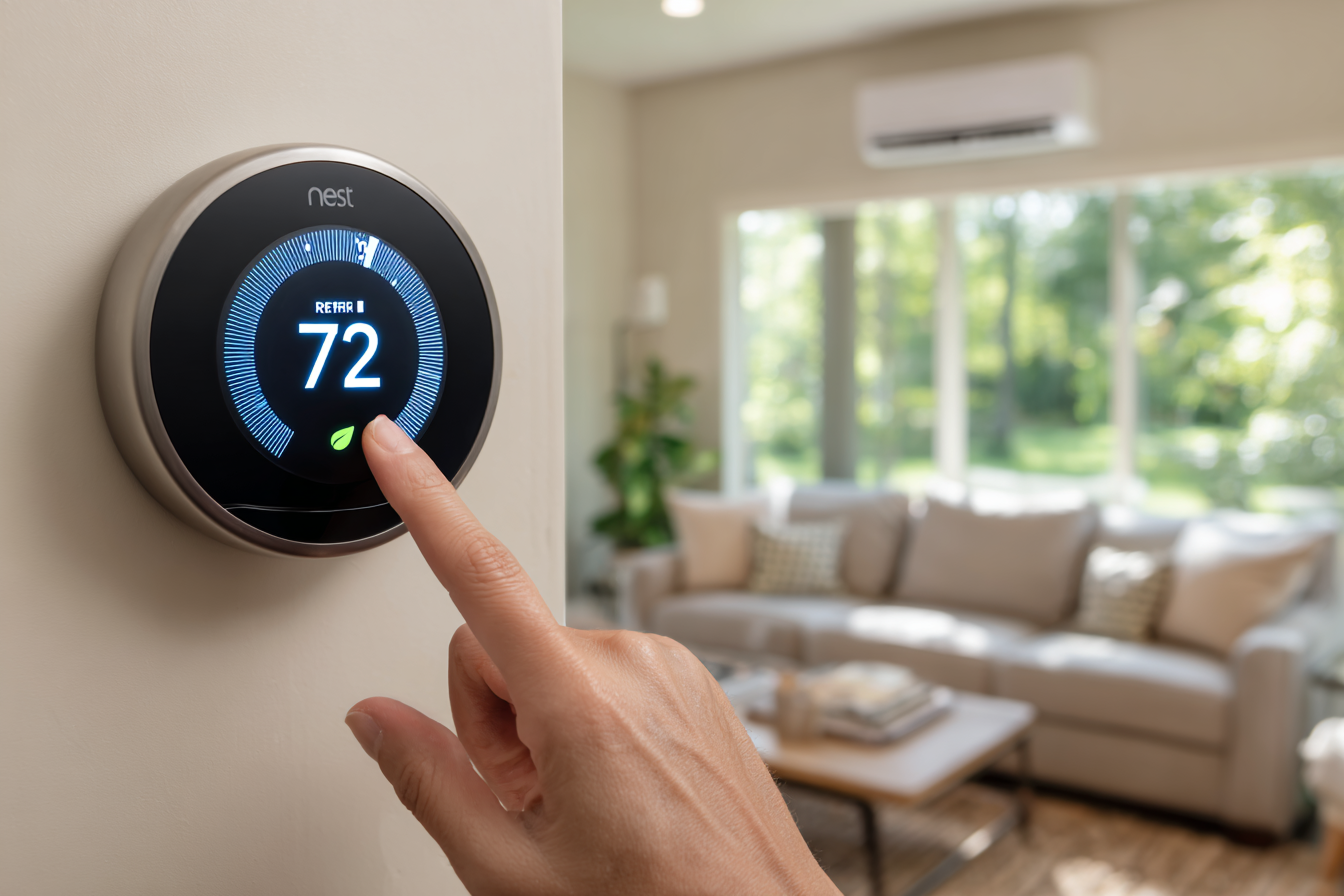
Smart Home Integration: Smart thermostats like the Ecobee SmartThermostat integrate with Alexa and Google Assistant, allowing for voice control, remote access, and automated adjustments, enhancing both comfort and convenience.
With the right thermostat, your heat pump will operate at peak efficiency, saving you energy and costs. Now, let's take a look at the key features you should consider when choosing a thermostat for your heat pump system.
9 Key Features to Look for in a Thermostat for Heat Pump Systems
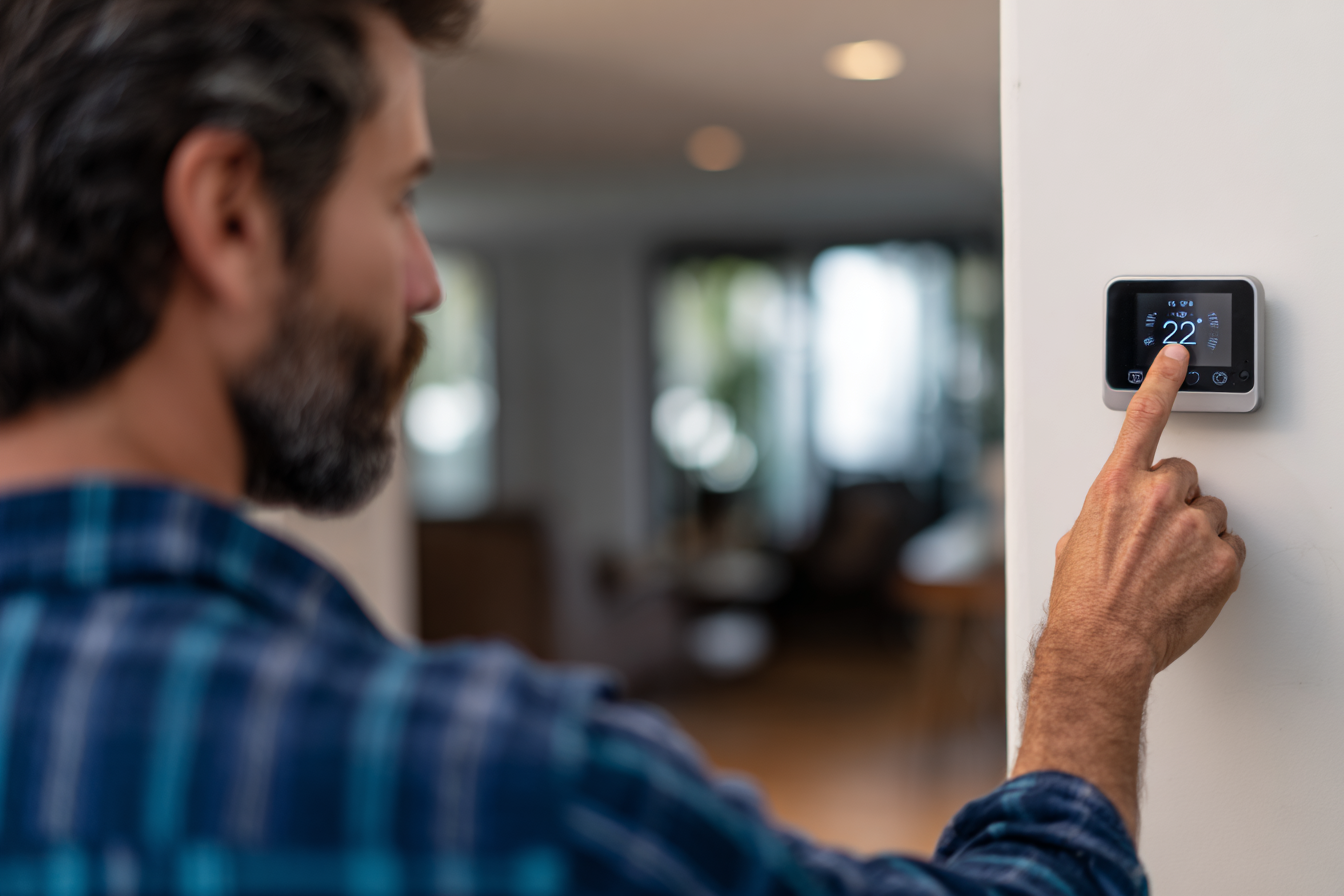
Choosing the right thermostat for your heat pump system is crucial for efficiency and comfort. Here are the key features to consider:
Dual-Stage Heating & Cooling Support
Why it matters: Heat pumps need thermostats that can handle both heating and cooling modes.
What to look for: A thermostat with dual-stage support ensures smooth transitions between heating and cooling without temperature swings.
Precise Temperature Sensing
Why it matters: Accurate temperature readings ensure consistent comfort.
What to look for: Remote sensors or multi-sensor setups help monitor different rooms, ensuring even temperature distribution.
Programmable & Smart Scheduling
Why it matters: Adjusting temperatures based on your routine saves energy.
What to look for: Programmable thermostats let you set heating and cooling schedules, while smart thermostats adapt to your habits over time.
Energy Efficiency Mode
Why it matters: Saves money by reducing energy use during low-demand periods.
What to look for: Thermostats with Eco Mode or energy-saving settings can lower heating and cooling costs by up to 30% annually.
Wi-Fi Connectivity & Remote Control
Why it matters: Control your thermostat from anywhere, anytime.
What to look for: Wi-Fi-enabled thermostats allow you to adjust settings remotely using a mobile app, ensuring you’re not wasting energy when you’re not home.
Humidity Control
Why it matters: Heat pumps can impact indoor humidity, affecting comfort and air quality.
What to look for: Thermostats with humidity sensors help regulate moisture, preventing excess humidity and improving air quality.
Smart Home Integration
Why it matters: For convenience and voice control.
What to look for: Ensure the thermostat works with Amazon Alexa, Google Assistant, or Apple HomeKit for voice control and easy integration with other smart devices.
Maintenance Reminders
Why it matters: Helps keep your system running efficiently and prevents breakdowns.
What to look for: Look for thermostats with maintenance alerts for tasks like filter changes or system check-ups.
User-Friendly Interface
Why it matters: Easy to use and customize.
What to look for: A touchscreen display or mobile app that’s simple to navigate and provides clear options for customization.
These advanced features not only improve your system’s performance but also improve the overall comfort and convenience of your home.
Let’s now explore the different types of thermostats that are ideal for heat pump systems.
Types of Thermostats for Heat Pump Systems
When selecting a thermostat for your heat pump system, it’s important to choose one that fits your specific needs, whether it’s for basic temperature control, smart home integration, or energy efficiency.
Here’s a comparison of the most common types of thermostats for heat pump systems:
Type of Thermostat | Features | Best For | Pros | Cons |
Programmable Thermostats | Allows you to set specific heating/cooling schedules. | Homeowners with consistent schedules. |
|
|
Smart Thermostats | Connect to Wi-Fi for remote control via apps; learn your schedule. | Tech-savvy homeowners who want more automation. |
|
|
Manual Thermostats | Basic thermostat with a dial or buttons for temperature adjustments. | Budget-conscious homeowners or those preferring simplicity. |
|
|
Wi-Fi Thermostats | Offers remote control through a smartphone app, connected to home Wi-Fi. | Homeowners who want remote control and smart integration. |
| Limited advanced features compared to smart thermostats |
Zoning Thermostats | Designed to control multiple temperature zones in a home. | Larger homes with multiple rooms or floors. |
|
|
Touchscreen Thermostats | Features an easy-to-use digital touchscreen display. | Users who want a modern, user-friendly interface. |
|
|
As you can see, each thermostat type has its own strengths and considerations.
Next, let’s look deeper into the top 5 thermostats that are specifically recommended for heat pump systems in 2026.
Top 5 Best Thermostats for Heat Pump Systems in 2026
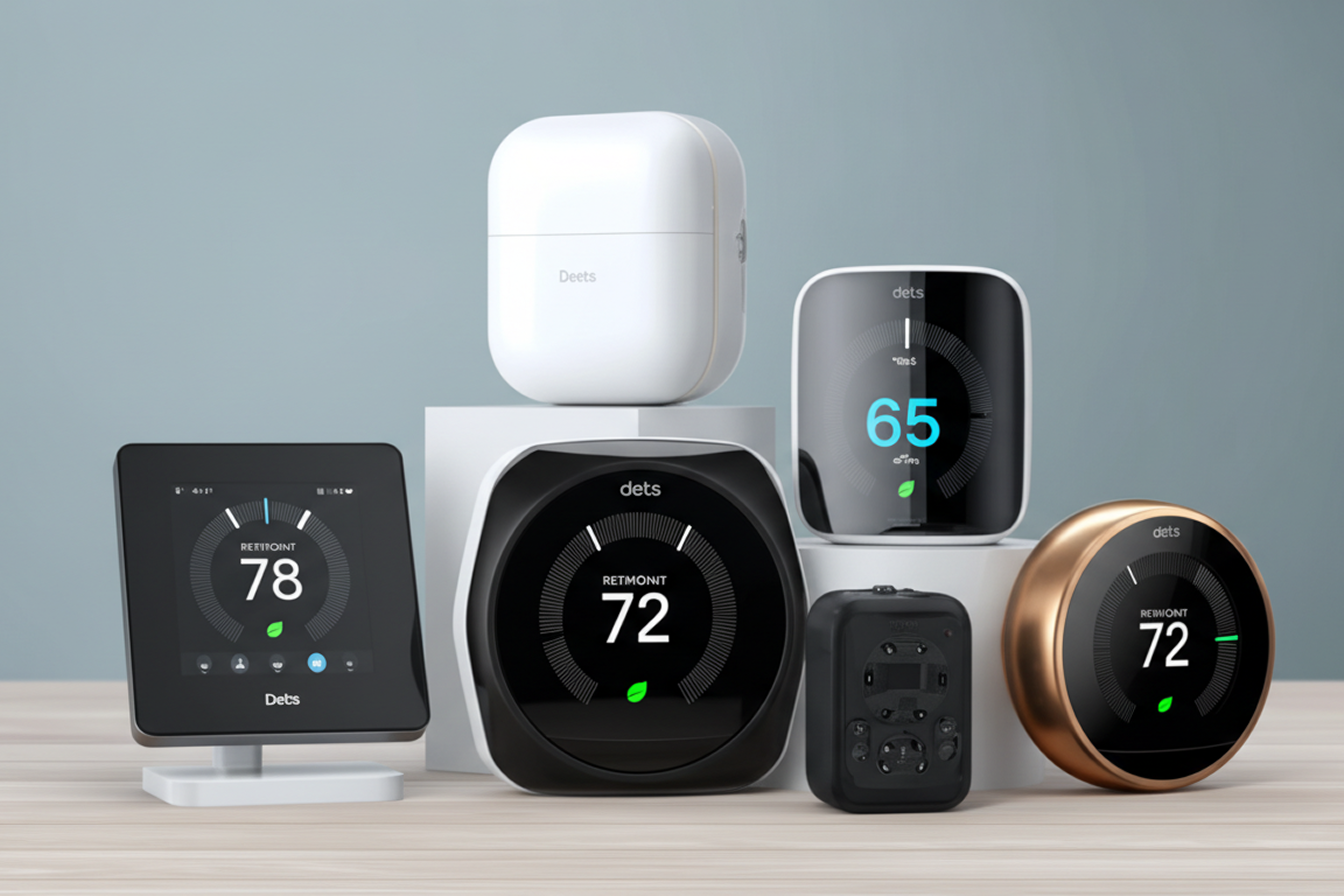
Below are the best thermostat options for heat pump systems in 2026. Each is chosen based on compatibility with heat pumps, energy savings capability, and smart/automation features.
Ecobee Smart Thermostat Premium
Compatibility: Works with 2-stage heat pump systems and multi-stage conventional systems (typically up to 2 Heat / 2 Cool).
Key Features:
SmartSensors: Detects occupancy and temperature to balance hot/cold spots in individual rooms.
Eco+: Automatically adjusts for energy savings based on time-of-use rates and humidity.
Home Monitoring: Built-in air quality monitoring and monthly energy reports.
Smart Integrations: Compatible with Amazon Alexa, Google Assistant, Apple HomeKit, SmartThings, and IFTTT.
Best For: Large homes with inconsistent heating, hot/cold spots, or multiple rooms that need occupancy monitoring.
Pros:
Precision Comfort: Solves temperature imbalances between rooms using remote sensors.
Native Voice Control: Built-in Alexa and Siri (requires HomePod) capabilities.
Aesthetic: Premium materials (glass/zinc) and a responsive touch display.
Cons:
Higher Upfront Cost: More expensive than standard smart thermostats.
Installation: Requires a C-Wire (Common Wire) for constant power (though a Power Extender Kit is usually included).
Wi-Fi Dependent: Remote features and data reporting require a stable connection.
Energy Savings: Validated to save up to 26% annually on combined heating and cooling costs (compared to holding a steady 72°F/22°C).
Google Nest Learning Thermostat (4th Gen)
Compatibility: Works with most 24V systems, including heat pumps with O/B terminals (supports up to 3 stages of heating and 2 stages of cooling).
Key Features:
Smart Schedule: Automatically learns your temperature preferences and builds a schedule (the signature Nest feature).
Remote Sensors: Now comes with a Nest Temperature Sensor (2nd Gen) in the box to manage hot/cold spots (previously sold separately).
Dynamic Farsight: The hi-res screen detects you from a distance and changes what it displays (weather, time, temp) based on how close you are.
System Health Monitor: Alerts you to potential HVAC issues before they become breakdowns.
Smart Integrations: Native support for Matter. This means it works seamlessly with Apple HomeKit, Amazon Alexa, Google Assistant, and Samsung SmartThings without complex workarounds.
Best For: Users who want a "set-and-forget" experience and a high-design aesthetic that looks like jewelry on the wall.
Pros:
Premium Design: Features a borderless, domed crystal display (60% larger than previous models) and premium metal finishes.
Matter Support: Finally offers native, fast, and reliable connection to Apple HomeKit.
Easy Install: Often does not require a C-Wire (unlike Ecobee), as it can power share in most homes (though some systems still require a Power Connector).
Cons:
Expensive: At ~$279, it is one of the most expensive consumer thermostats.
Google Home App Only: The classic "Nest App" is retired for this model; you must use the Google Home app, which some long-time users find less intuitive.
Energy Savings: Verified to save an average of 10-12% on heating and 15% on cooling bills annually.
Honeywell Home T10+ Pro Smart Thermostat
Compatibility: Excellent for complex systems. Supports up to 3 Heat / 2 Cool heat pumps, plus IAQ accessories (Humidifier, Dehumidifier, Ventilator).
Key Features:
RedLINK Room Sensors: Superior range (200ft) compared to Wi-Fi sensors; detects temperature, humidity, and motion.
Priority Zoning: You can choose to prioritize specific rooms at specific times (e.g., "Make the bedroom 72° at night," ignoring the living room temp).
Indoor Air Quality (IAQ) Dashboard: Controls humidity and ventilation directly from the screen.
Smart Integrations: Apple HomeKit, Amazon Alexa, Google Assistant, IFTTT, and Cortana.
Best For: Homes with humidifiers/dehumidifiers installed, or large homes where standard Wi-Fi sensors (like Ecobee's) struggle to stay connected due to distance.
Pros:
Dual-Band Wi-Fi: Connects to 2.4GHz and 5GHz networks for better stability.
Sensor Range: The dedicated RedLINK signal for sensors punches through walls/floors better than Bluetooth or standard Wi-Fi sensors.
Modular Design: Can be used with an EIM (Equipment Interface Module) to run fewer wires to the wall (great for older homes with limited wiring).
Cons:
"Pro" Availability: Technically sold only through HVAC contractors (harder to find warranty support if bought DIY online).
App Interface: The "Resideo" app is functional but often considered less polished/modern than Nest or Ecobee apps.
Industrial Look: Simple white plastic design is functional but less "premium" looking than glass thermostats.
Energy Savings: ENERGY STAR® Certified. Savings driven by Geofencing (phone location) and remote sensor scheduling.
Emerson (Copeland) Sensi Touch
Compatibility: Works with most combined heating/cooling systems and heat pumps (up to 4 Heat / 2 Cool).
Key Features:
HD Color Touchscreen: Large, clear display that is easy to read.
Smart Maintenance: Monitors HVAC performance and sends alerts for filter changes or "system efficiency" issues.
Privacy: Sensi is known for not selling your data to third parties, a key selling point for privacy-conscious users.
Best For:
Version 1 (ST75): Apple HomeKit users.
Version 2 (ST76): Users who need remote room sensors.
Pros:
Installation: The app provides some of the best step-by-step wiring instructions in the industry.
Response: The interface is snappy and does not lag.
Size: Standard shape covers most paint marks from old thermostats (unlike the round Nest).
Cons:
C-Wire Required: Unlike the basic Sensi model, the "Touch" versions absolutely require a Common Wire (C-Wire) to function.
Original Sensi Touch (ST75): Supports Apple HomeKit but does not support room sensors (Zoning).
Sensi Touch 2 (ST76): Supports room sensors (to fix hot/cold spots) but does not support Apple HomeKit.
Energy Savings: Verified to save about 23% on HVAC energy consumption (based on internal studies comparing scheduling vs. non-scheduling).
Lux Kono Smart Thermostat
Compatibility: Works with standard HVAC systems, including Heat Pumps (2-Heat / 1-Cool) and Gas/Oil furnaces (2-Heat / 1-Cool).
Key Features:
Customizable Faceplates: You can swap the cover for different colors (Midnight Black, Hibiscus Red, Sea Green, etc.) or even a paintable cover to match your wall perfectly.
Home/Away Aware: Uses geofencing (your phone's location) to automatically save energy when you leave.
Universal Compatibility: Includes a "Lux Power Bridge" in the box, which allows it to work without a C-Wire in most homes.
Smart Integrations: Works with Apple HomeKit, Amazon Alexa, and Google Assistant.
Best For: Homeowners who prioritize interior design and want a thermostat that blends in (or stands out) without paying $250+.
Pros:
Aesthetics: The only major smart thermostat with interchangeable covers to match decor.
C-Wire Flexibility: The included Power Bridge solves wiring issues that usually plague budget thermostats.
Physical Controls: Has a physical knob, which some users prefer over touchscreens.
Cons:
Limited Staging: Not built for high-end HVAC systems (e.g., variable speed, 3+ stages).
No Remote Sensors: You cannot add room sensors to fix hot/cold spots.
Display: The screen is small and can be hard to read from a distance compared to Nest or Ecobee.
Energy Savings: ENERGY STAR® Certified. Savings are primarily driven by Geofencing.
With this variety, you can choose the one that best fits your heat pump system and lifestyle. Next, let’s look at some common issues with thermostats and how to troubleshoot them.
Common Issues with Thermostats for Heat Pumps & How to Troubleshoot
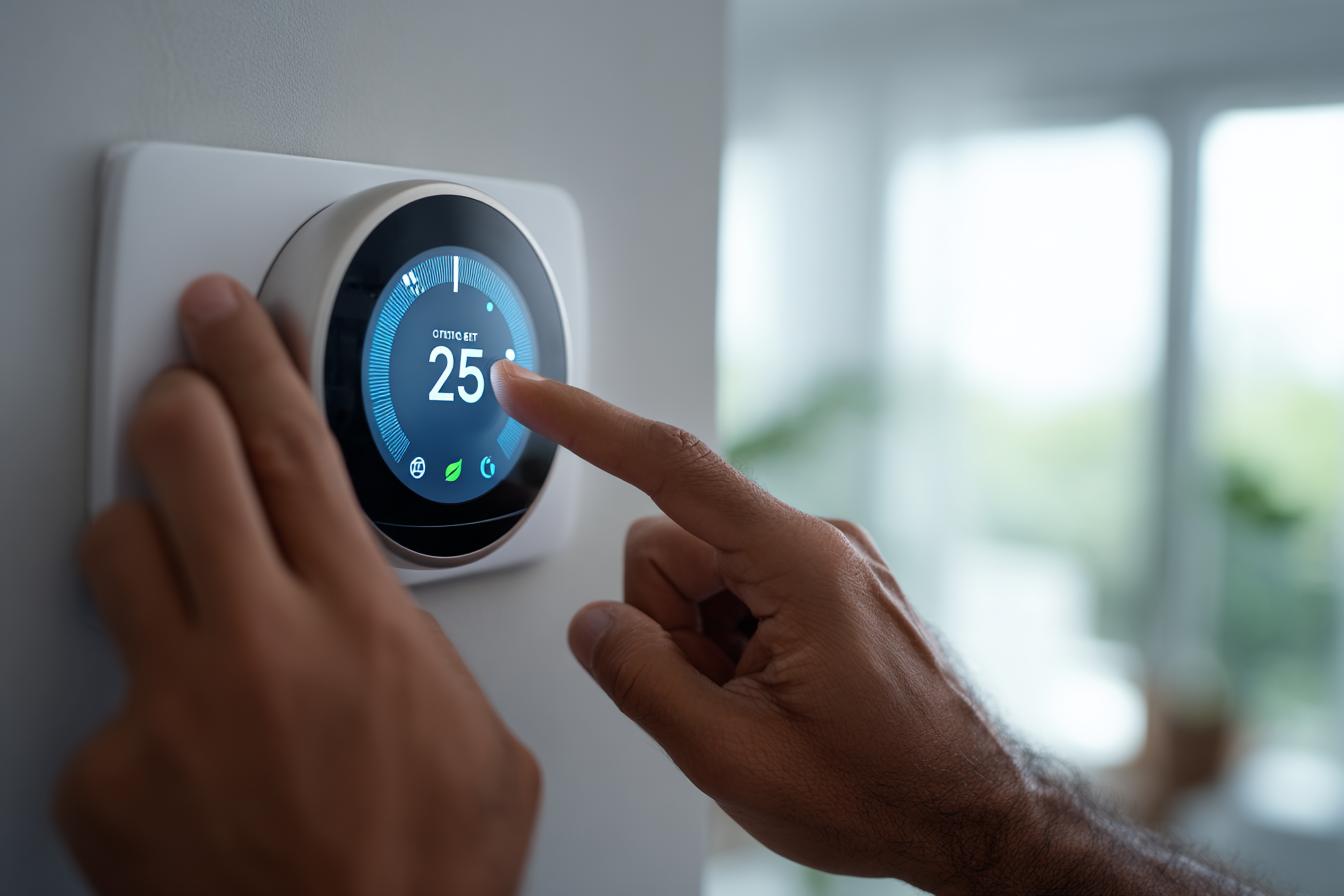
Even the best thermostats can experience issues. Here are some common problems with heat pump thermostats and how to solve them:
Incorrect Temperature Readings
Cause: Dirty sensors or improper thermostat placement.
Solution: Clean the thermostat’s sensors and ensure it’s installed away from heat sources like direct sunlight, vents, or windows.
Short Cycling
Cause: The thermostat is set too high or low, causing the system to turn on and off frequently.
Solution: Set the thermostat at a moderate temperature. Ensure it’s compatible with the heat pump’s stage (auxiliary heating mode).
Thermostat Not Turning on Heat Pump
Cause: A malfunctioning thermostat or an issue with the heat pump’s wiring.
Solution: Check the batteries (if applicable) and make sure the thermostat is powered. If it’s still not working, check for loose or disconnected wires.
System Running Continuously
Cause: Thermostat set to constant fan mode or system malfunction.
Solution: Switch the thermostat to auto mode instead of on mode. If the system keeps running, check for a malfunctioning relay or overheating.
Heat Pump Not Heating or Cooling Properly
Cause: A thermostat not properly managing heating/cooling stages, or issues with the system’s heat pump settings.
Solution: Check the auxiliary heating settings on your thermostat. Ensure it’s designed to work with dual-stage systems.
These issues can be frustrating, but many can be solved with some basic troubleshooting. However, if your thermostat continues to malfunction or you’re unsure how to proceed, professional help may be needed.
Quality Comfort Solutions can provide the expert support you need to keep your heat pump system running smoothly. Their team of licensed technicians can diagnose and resolve any thermostat or heat pump issues quickly and efficiently.
Now that you’re familiar with common thermostat issues, let’s take a look at how to install and set up your thermostat for optimal heat pump performance.
How to Install and Set Up Your Thermostat for Optimal Heat Pump Performance
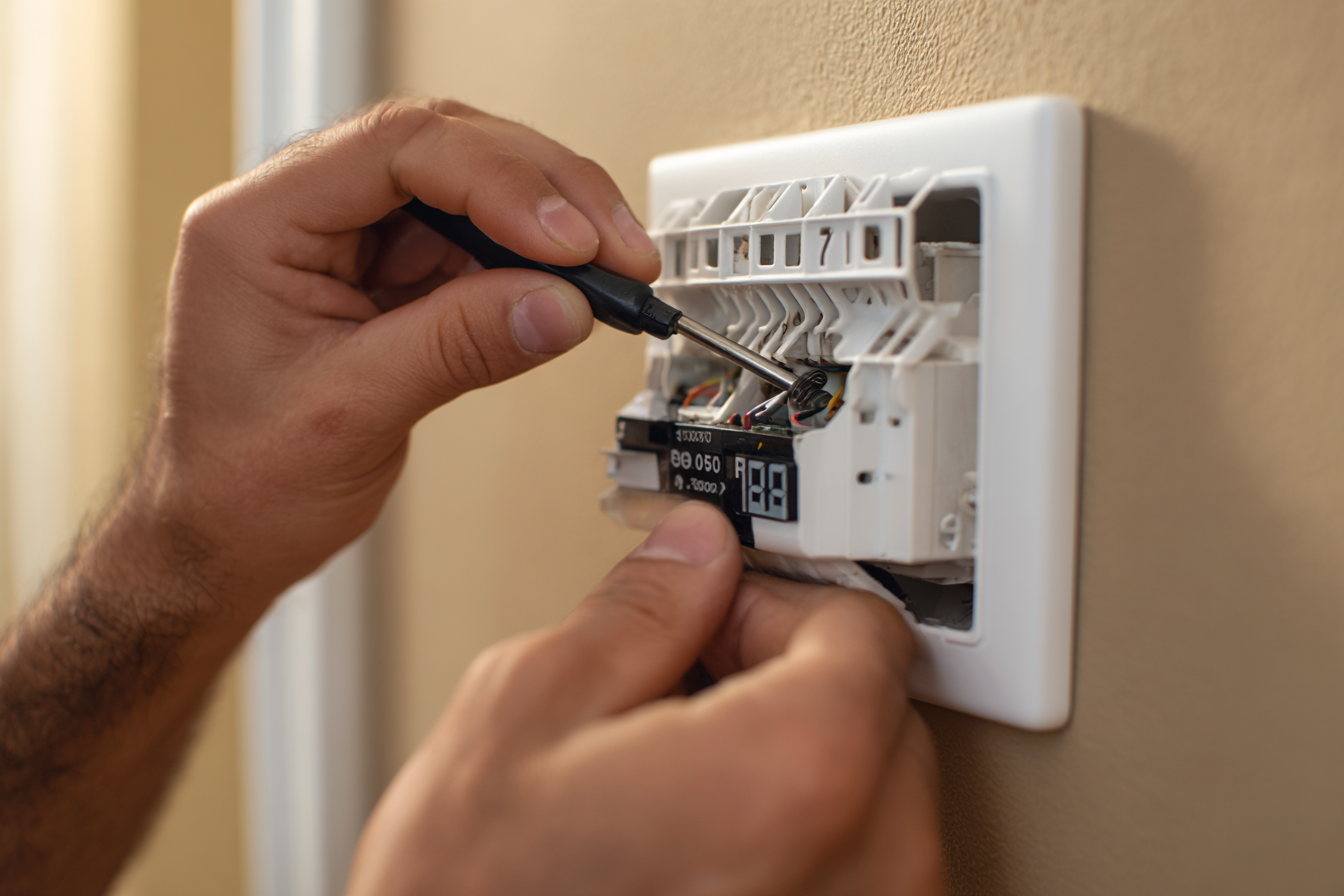
Installing and setting up your thermostat correctly ensures your heat pump operates efficiently, keeping your home comfortable and energy bills low. Follow these steps to ensure proper installation and configuration:
Turn Off Power to the Heat Pump System
Why it matters: Safety is the priority. Always turn off the power to your HVAC system before starting the installation.
How to do it: Switch off the circuit breaker connected to your HVAC system to avoid electrical hazards.
Remove the Old Thermostat
What you need: A screwdriver to remove the existing thermostat from its mounting plate.
Steps:
Detach the thermostat from the wall.
Take note of the wiring connections (using a photo helps).
Label the wires based on their connection (e.g., C-wire, Y-wire, W-wire, etc.).
Mount the New Thermostat Base
Why it matters: Proper mounting ensures your thermostat stays secure and communicates well with the system.
Steps:
Use the provided screws to mount the thermostat base to the wall.
Ensure the base is level to prevent any issues with temperature readings.
Connect the Wires
What you need: a screwdriver to tighten the connections and a labeling guide for your thermostat wires.
Steps:
Match the labeled wires from your old thermostat to the corresponding terminals on the new thermostat.
C-wire (common wire) is critical for heat pump systems. If your old thermostat didn’t have a C-wire, check your heat pump model to ensure it’s compatible.
Securely tighten each wire into the terminal.
Attach the Thermostat to the Base
Why it matters: Securely attaching the thermostat ensures it’s properly connected to your system.
Steps:
Attach the thermostat’s faceplate or display to the base and press it in place.
Make sure it’s flush and stable to avoid issues with temperature sensing.
Turn on the Power and Test
Why it matters: Ensuring the system powers up correctly and the thermostat functions as expected is crucial for system efficiency.
Steps:
Switch the power back on via the circuit breaker.
Set the thermostat to heating or cooling mode (depending on the season) and adjust the temperature.
Test the system by checking the response: heat should engage in winter, cooling in summer.
Set Up the Thermostat Settings
Why it matters: Proper setup ensures the thermostat operates efficiently and aligns with your lifestyle.
Steps:
Set the time and date (for programmable models).
Program your schedule: Set times for your system to heat or cool based on your daily routine.
Enable energy-saving modes like Eco Mode or Away Mode if applicable.
Enable Wi-Fi for remote control and smart integrations (for smart thermostats).
Integrate with Smart Home Devices (if applicable)
Why it matters: Integration with smart home systems offers added convenience and control.
Steps:
Link your thermostat to your smart home system (Google Assistant, Amazon Alexa, etc.).
Ensure voice control and remote access via mobile apps.
Fine-Tune for Optimal Performance
Why it matters: Fine-tuning ensures maximum efficiency and comfort.
Steps:
Adjust temperature offsets if you notice any inconsistencies in readings.
Check humidity settings (for thermostats with humidity sensors) to ensure ideal comfort.
Test system response over the next few days and make adjustments as necessary.
By following these steps, you ensure your thermostat is installed correctly and optimized for your heat pump system. This not only improves comfort but also improves the overall efficiency of your HVAC system.
If you encounter any issues or need help, Quality Comfort Solutions can assist with professional installation and setup.
Why Quality Comfort Solutions is Your Trusted HVAC Partner?
At Quality Comfort Solutions, we specialize in providing expert HVAC services to homeowners and businesses in Yonkers and Westchester County, NY. With years of industry experience, we offer reliable, efficient, and personalized solutions to keep your home comfortable year-round.
Why choose us?
Licensed & Insured: We are fully licensed and insured, ensuring professional, safe, and reliable service.
24/7 Emergency Service: We offer round-the-clock emergency services to ensure you're never left without heat or cooling when you need it most.
Experienced Technicians: Our team consists of highly skilled and experienced technicians who are trained to handle all types of HVAC systems, including heat pumps.
Energy-Efficient Solutions: We provide energy-efficient HVAC systems and maintenance tips to help reduce your energy bills.
Customer Satisfaction: Our top priority is customer satisfaction, and we're committed to offering personalized service personalized to your specific needs.
We are your go-to HVAC partner in Yonkers and Westchester County, ensuring your home's heating and cooling systems run efficiently all year long.
Wrapping Up
Choosing the right thermostat for your heat pump system is crucial for optimizing both comfort and energy efficiency. The right thermostat can help you save on energy bills, extend your system's lifespan, and ensure consistent temperature control throughout your home.
At Quality Comfort Solutions, we are dedicated to providing expert HVAC services throughout Yonkers and Westchester County, NY. Our team of licensed professionals offers reliable installation, maintenance, and repair services to keep your heat pump system running smoothly.
Contact us today to schedule a consultation or to learn more about how we can improve your home's comfort and energy efficiency.
FAQs
Can I use a regular thermostat for my heat pump system?
No, using a regular thermostat with a heat pump can lead to poor performance. Heat pump systems require thermostats designed to manage both heating and cooling efficiently.
What is the best temperature setting for a heat pump thermostat?
For optimal efficiency, set your heat pump thermostat to 68°F (20°C) during the winter and 78°F (26°C) in the summer. These settings balance comfort and energy savings.
How often should I replace the thermostat on my heat pump?
You should consider replacing your thermostat every 5-7 years or sooner if it becomes unresponsive or outdated. Modern smart thermostats offer enhanced energy-saving features.
Do smart thermostats work with all heat pump systems?
Yes, most Wi-Fi and smart thermostats are compatible with heat pumps, but always verify the thermostat's compatibility with your specific heat pump model before purchasing.
How can I improve my heat pump's efficiency with a thermostat?
By setting up scheduling, enabling energy-saving modes, and using room sensors, you can reduce energy consumption and maintain consistent comfort levels, improving overall efficiency.